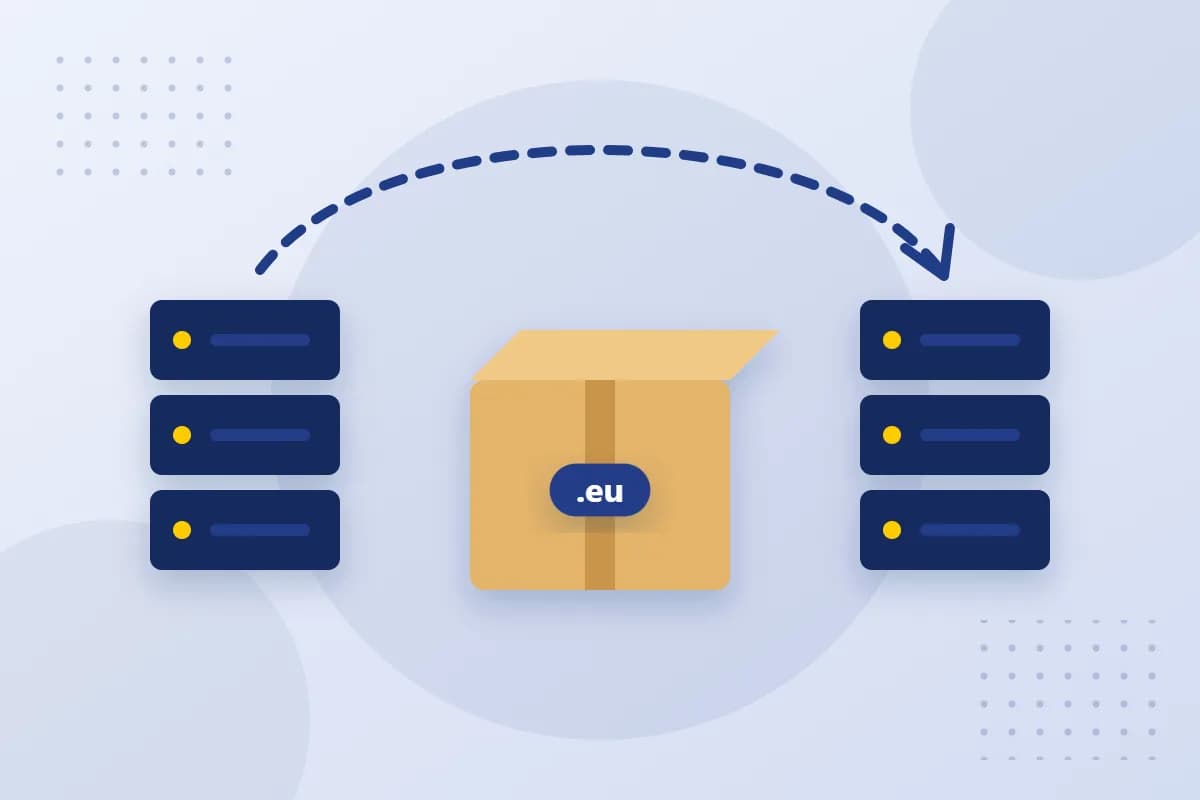
How a .eu transfer works
.eu domains are managed by EURid, the registry for the European extension. However, they can only be registered and managed through accredited registrars. A transfer simply changes the registrar – your domain, your ownership and your content stay the same.
Before you switch: check three things
- Holder details: are your name, address and email address correct? The holder of a .eu domain must meet the eligibility criteria, for example be an EU citizen or be based in the EU or EEA.
- DNS zone: back up all records for your website, email and external services. You will need this list after the move.
- Domain status: if the domain has a transfer lock or is about to expire, sort this out with your current provider first.
The transfer code
To switch, you need your domain's authorisation code, also called the transfer code. Your current registrar issues it on request. The code is only valid for a limited time – so only request it when you want to carry out the transfer soon.
Start the transfer at reg.eu
Look up your domain in our domain search. For .eu domains that are already registered, you will see the price for transferring them to us. After registering, enter the transfer code in the Domain-Robot, and the change is ordered at EURid.
Switch without downtime
- Set up your website and mailboxes at the new location before you change anything.
- Copy all DNS records, including MX, SPF, DKIM and verification records.
- Change the name servers and test your website and email from different networks.
- Only cancel the old services once everything is running smoothly.
Conclusion
With the transfer code, correct holder details and a clean list of DNS records, a .eu transfer is done quickly. Our support team will be happy to help if any questions come up during the move.